The DivorceX Dashboard is split into three important parts.
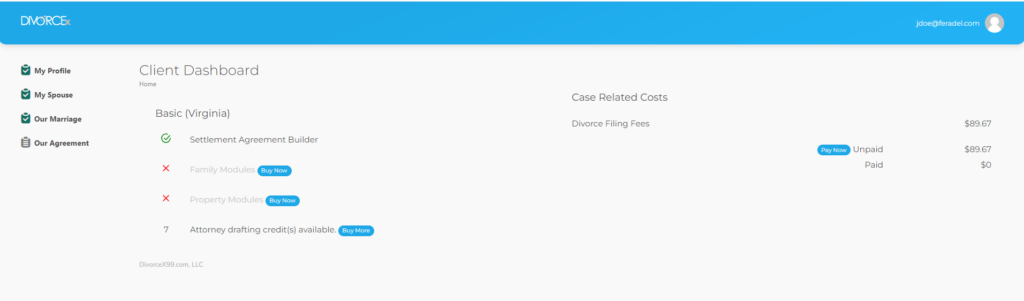
The Toolbar, the Sidebar, and the Content Area. After you log in, the Toolbar and Sidebar will be available regardless of where you are working. The Content Area will change depending on where you are.
The DivorceX logo will always take you back to this dashboard (unless you’re session has expired).
When you click on your name a menu pops down…
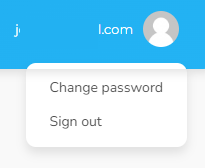
Here you can change your password or log out.
The SideBar helps you navigate the site. This changes depending on what modules you have purchased and what has been completed.
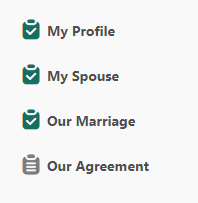
A green checked board ( ) means you have submitted this data to your lawyer. The gray clipboard (
 ) means that you are still working on that section.
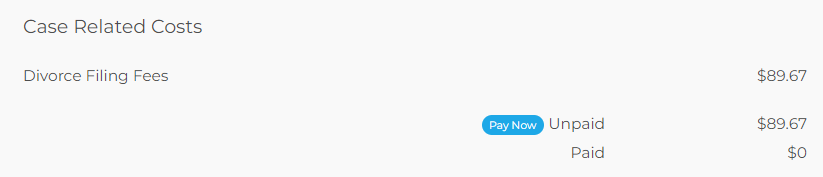
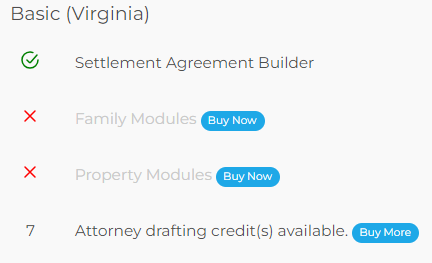
The Content Area in the dashboard contains two sections. Your purchase summary and, if billed, costs and fees. If you accidentally bought the wrong package (i.e. you bought basic but realized you had children) you can upgrade to the correct package here. Just click the Buy Now link next to the level of package you want. If you want to buy more drafting credits, you can do that too!
When your attorney is ready to file, they’ll calculate the costs needed to perform this service on your behalf. The other part of the Content Area of the dashboard will allow you to pay those fees while logged in here.