Whether you have forgotten your password or missed out on your invitation email, it is easy to change your password.
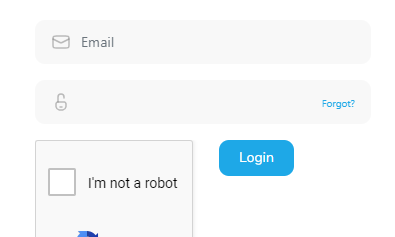
- Navigate to client.divorcex99.com (or go directly to client.divorcex99.com/forgot)
- Click the forgot link at the right side of the password textbox.
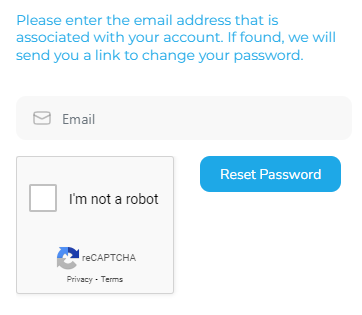
- Enter the registered email address, prove you aren’t a robot, and click the Reset Password button. If your email is in our system, you’ll get a link to reset your password. (Before you contact us, please check your spam folder).
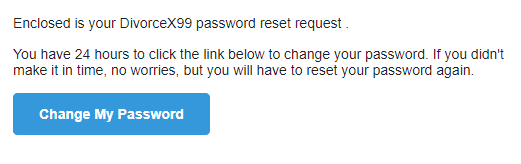
- When you receive the email, click the “Change My Password” button.
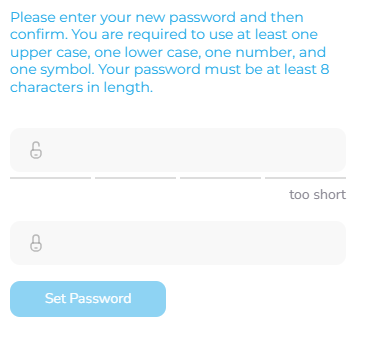
- Follow the rules and the “Set Password” button will enable. Click it and you’ll be forwarded to the login page to use your new password.